Content & Creators setups
These content creator setups show the cameras, microphones, lights and editing gear real creators use to film, stream and edit, from first YouTube kits to full studio corners.
If you are building your own setup, audio usually matters more than video: viewers forgive soft footage long before they forgive bad sound, so a decent microphone is often the best first upgrade. After that, light. A single soft key light changes how a camera looks more than a new camera does. Start with what fits your format: a talking-head channel needs different kit from a vlog or a gaming stream.
Each setup lists every product the creator uses, so you can compare how people at different stages put their kit together. Open a setup to see the full list and, where the creator has added them, links to buy each item.
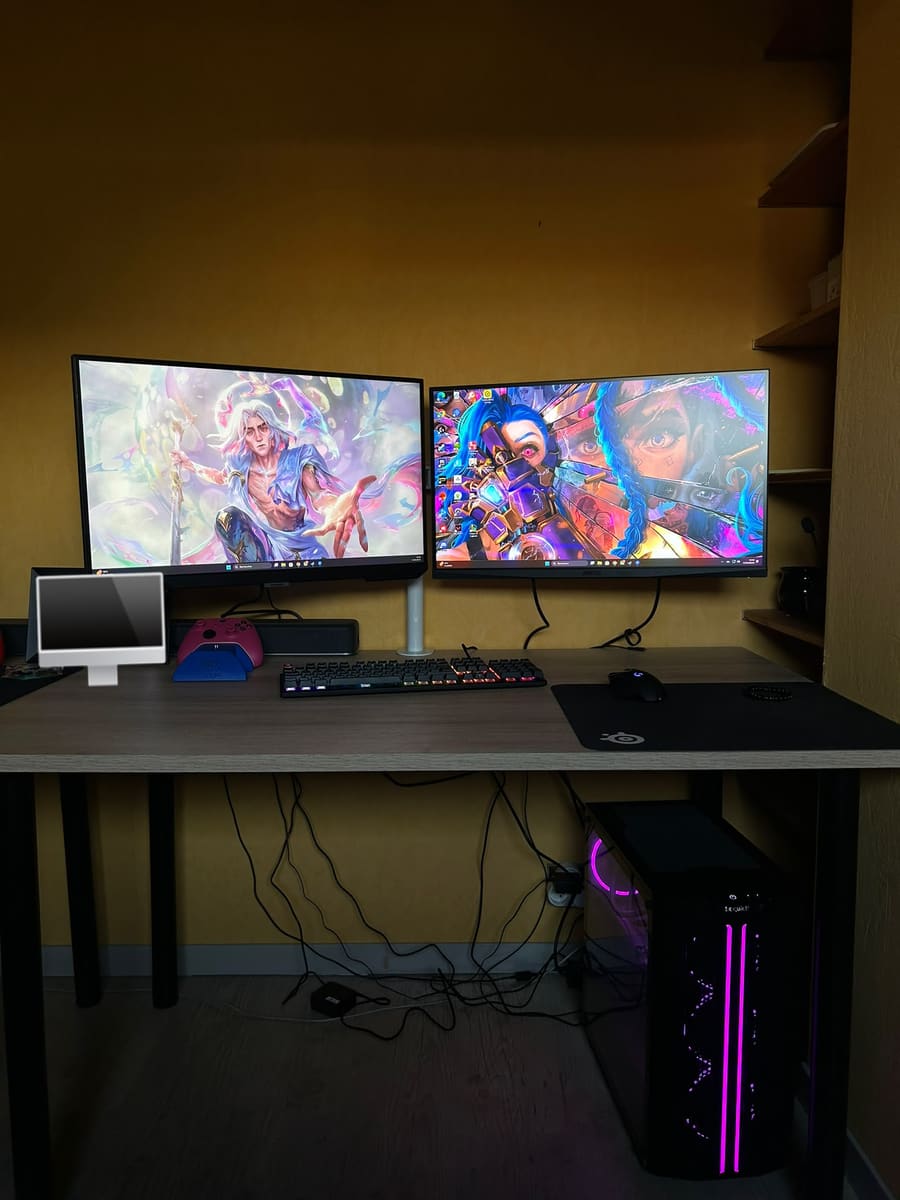
Most-used gear in content & creators setups
Questions, answered
Common questions
What equipment do I need to start a YouTube channel?
Is a phone good enough to film YouTube videos?
What is the best first upgrade for a creator setup?
Have a content & creators setup of your own? Make a gear list page for it.