Tech & Desk setups
These desk setup ideas come from the creators who use them every day: home offices, editing desks, coding stations and small-space corners, each with the exact monitor, keyboard, chair and accessories behind it.
A good desk setup starts with the things you touch all day. Most people get the most from a comfortable chair, a monitor at eye level and a keyboard and mouse that suit their hands, before spending on lighting, speakers or decoration. Cable management and a desk mat do more for how a setup looks than almost anything else, and they are cheap.
Every setup below lists its products, so you can see what a creator actually chose and how the pieces fit together. Open one to see the full list and, where the creator has added them, prices and links to buy each item.
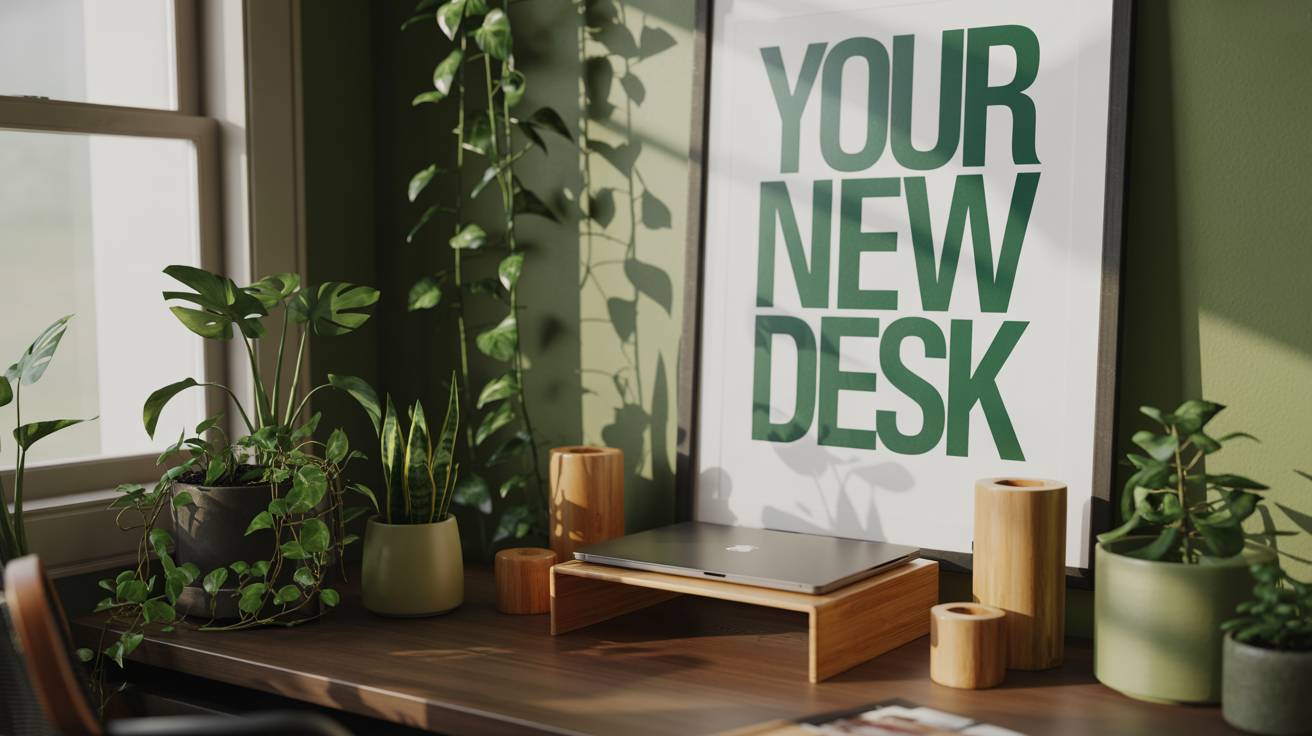
Green Desk Setup
by zensetup11 products5,473 views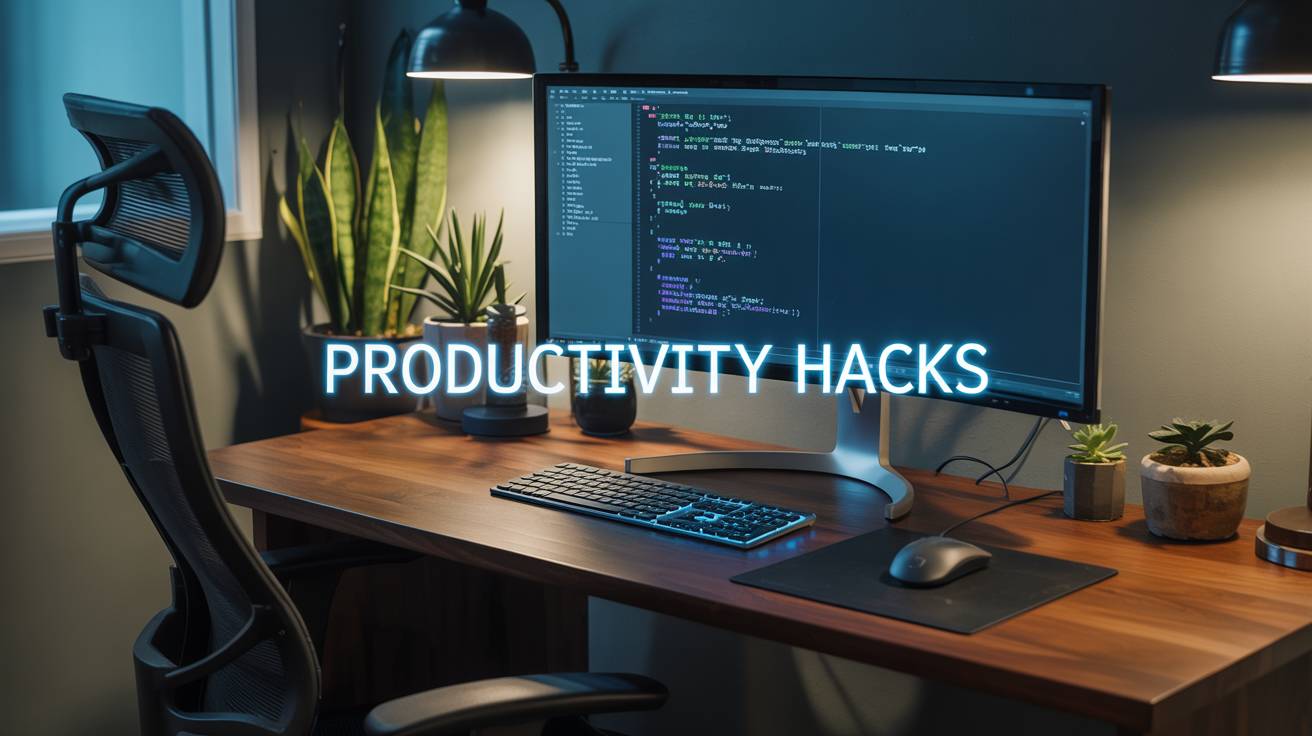
Developer Deep Work Station
by tomcoder12 products4,082 views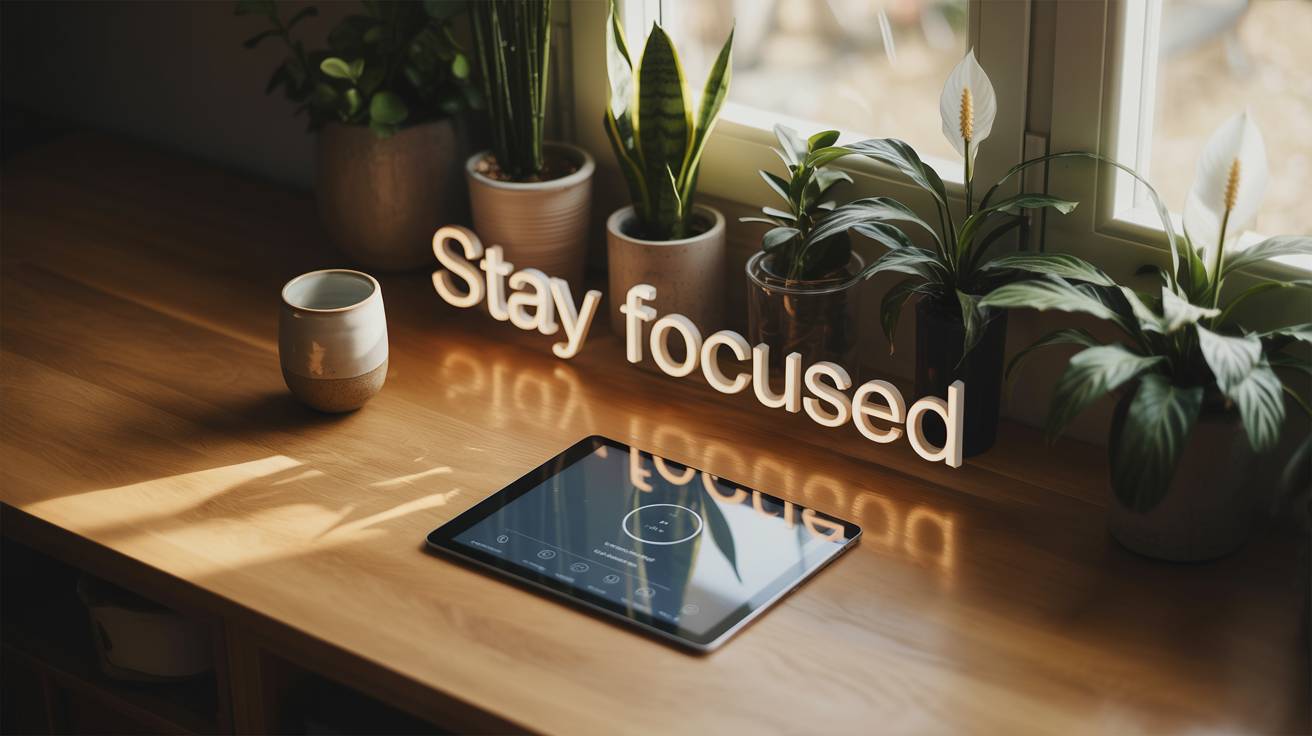
Mindful Workstation
by zensetup11 products3,986 views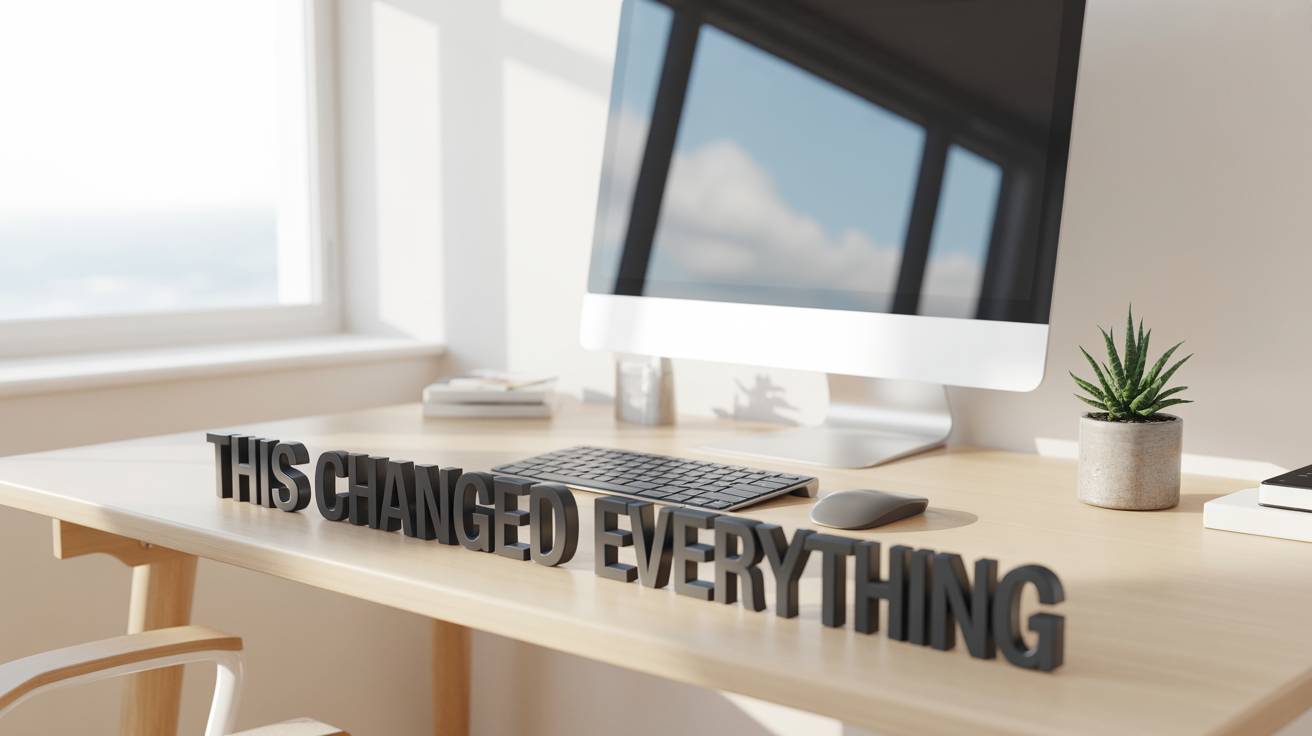
Minimal Standing Desk Setup
by tomcoder7 products3,880 views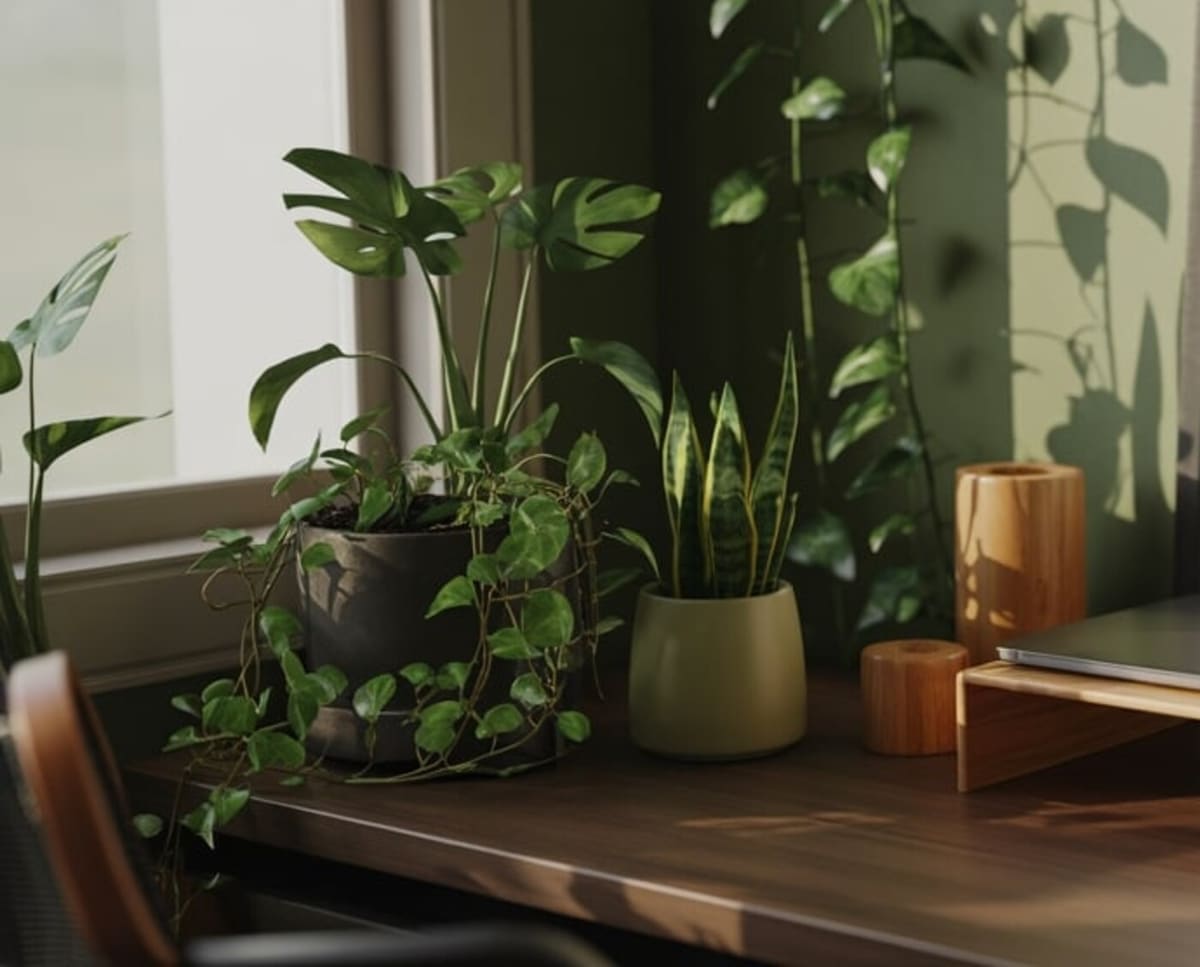
Home office desk setup
by alextech5 products1,327 views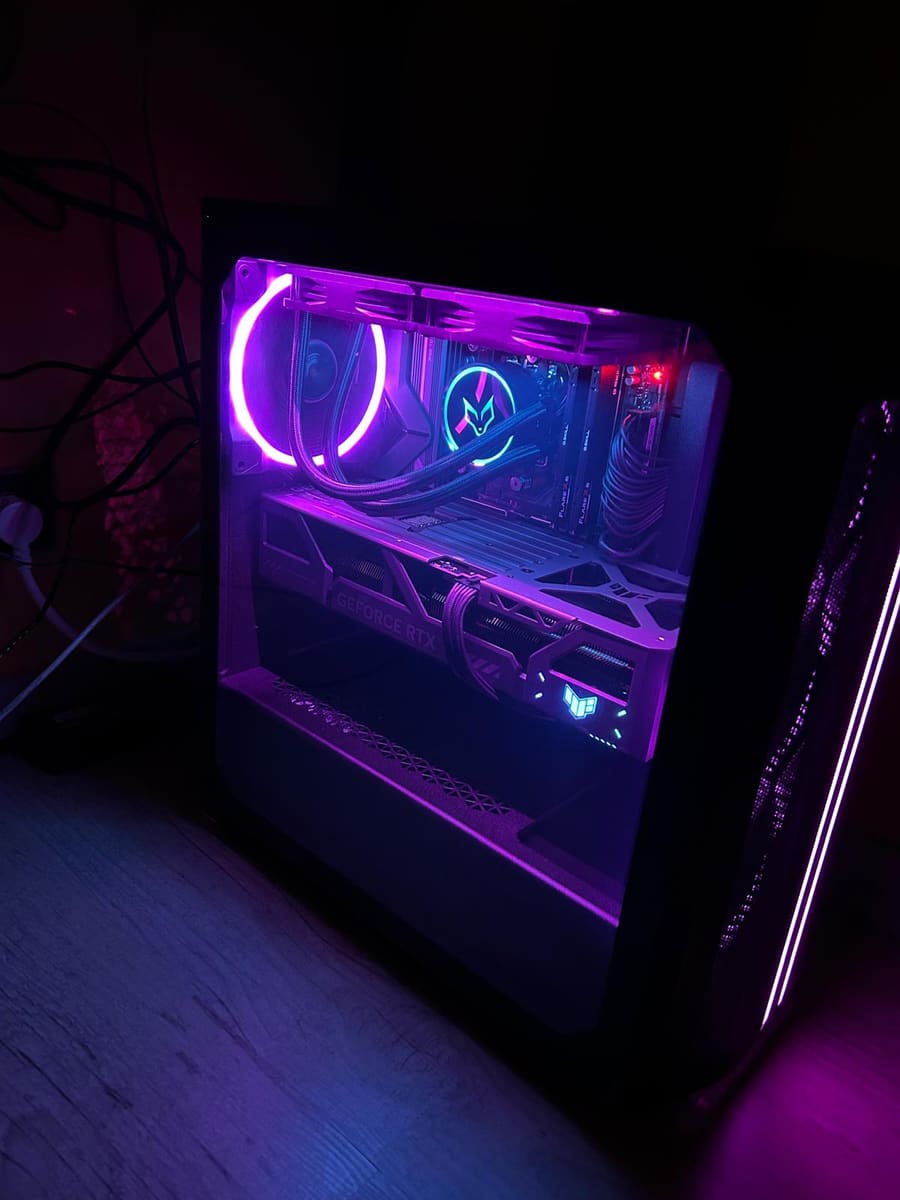
Config. PC
by bylolax4 products323 views
Questions, answered
Common questions
What do I need for a basic desk setup?
How do I make a small desk setup look clean?
Should I get one monitor or two?
Have a tech & desk setup of your own? Make a gear list page for it.