Productivity setups
These productivity setups show the desks, devices and apps creators use to get work done: note-taking systems, task managers, focus tools and the hardware that keeps them moving.
The most productive setups are usually the simplest ones the person actually sticks to. Most combine a place to capture ideas quickly, a single list of what needs doing, a calendar, and a way to block distractions while working. Hardware helps where it removes friction: a second screen for reference material, a comfortable keyboard for long writing sessions, or a tablet for handwritten notes.
Each setup lists the apps and products a creator relies on, so you can borrow a whole system rather than one tool. Open a setup to see what it includes and, where the creator has added them, links to each piece.
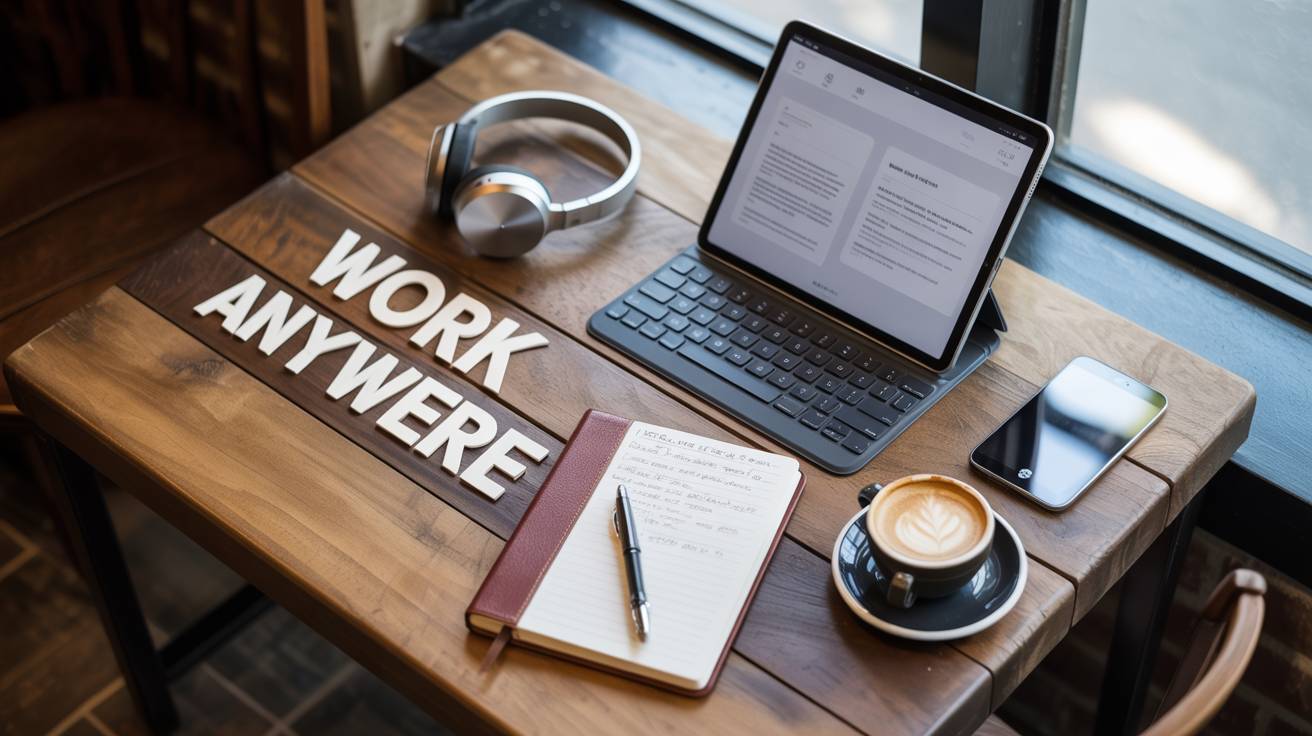
Journalist On-The-Go Kit
by emmawrites14 products5,684 views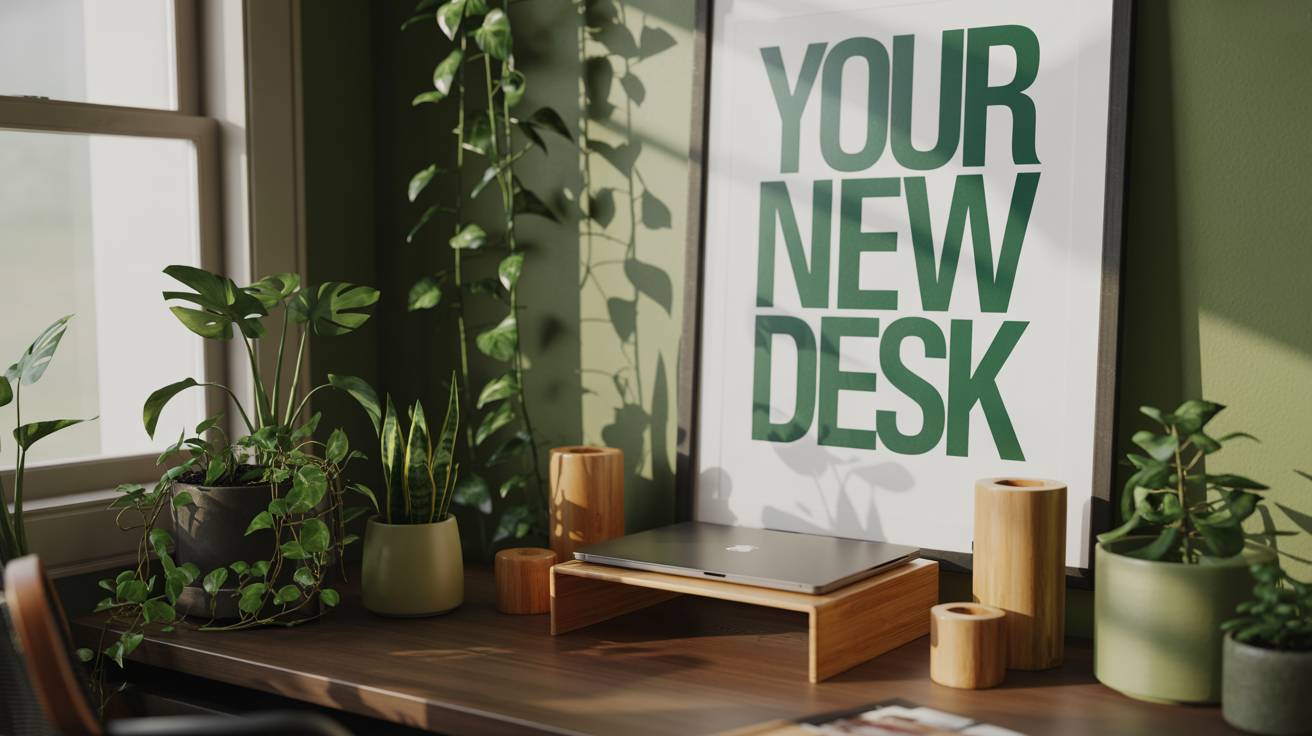
Green Desk Setup
by zensetup11 products5,478 views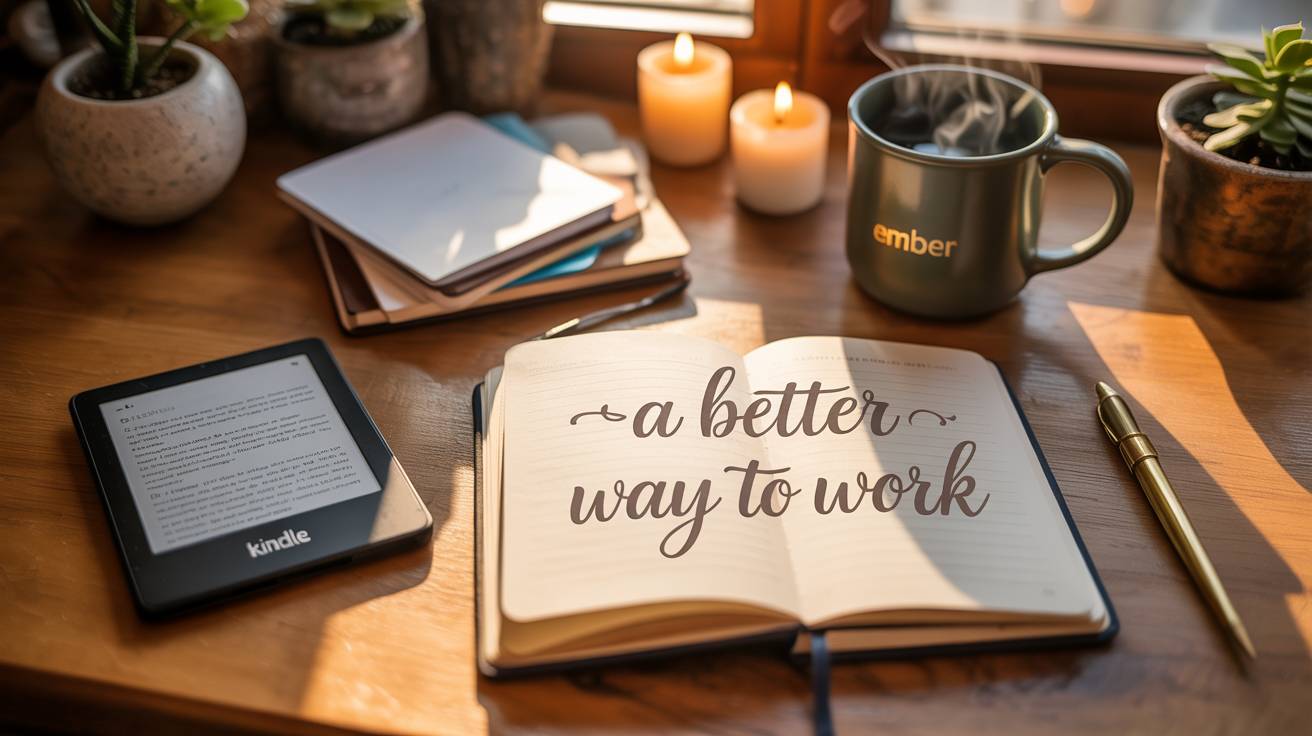
Writer’s Cozy Corner
by emmawrites14 products4,835 views
My Remote Work Desk
by tomcharles10 products4,678 views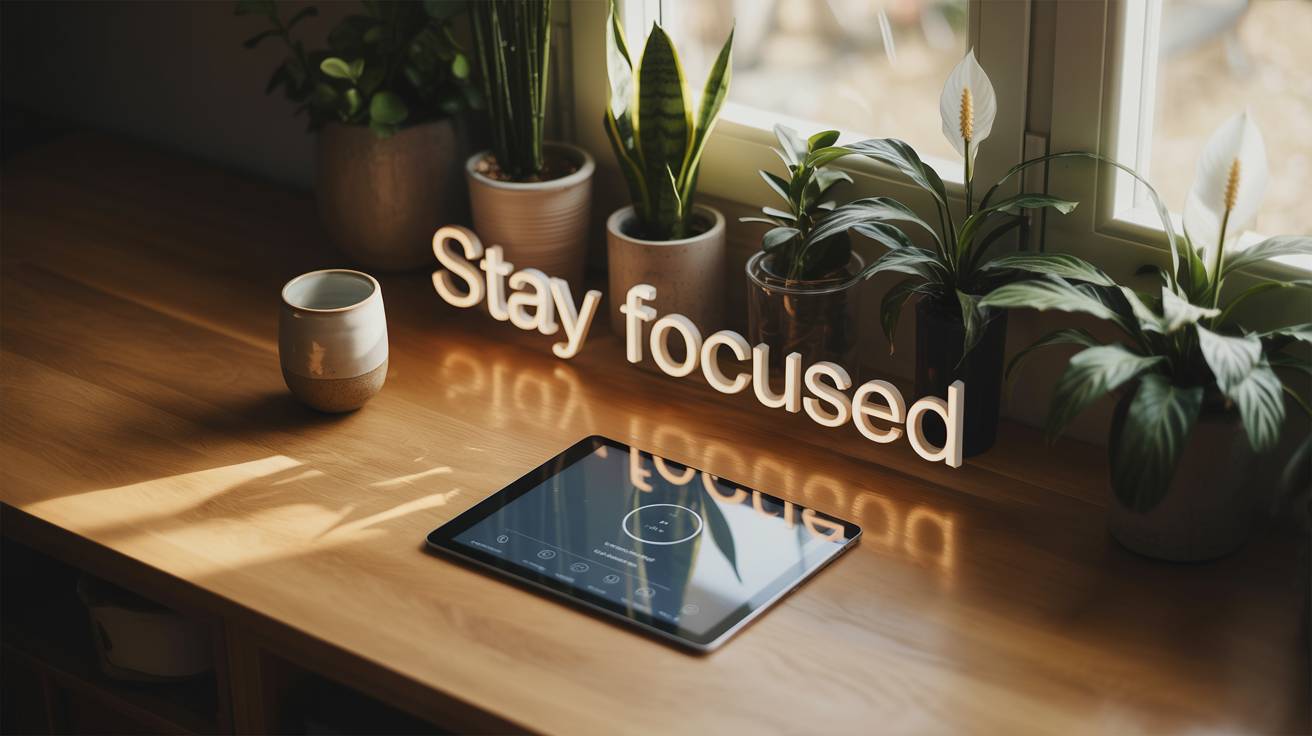
Mindful Workstation
by zensetup11 products3,999 views
Minimal Standing Desk Setup
by tomcoder7 products3,884 views
Minimalist Mac Studio Setup
by alextech9 products3,870 views
Dual Screen Power Desk
by alextech5 products3,785 views
Questions, answered
Common questions
What apps do I need for a productivity setup?
Is a second monitor good for productivity?
How do I build a productivity system that sticks?
Have a productivity setup of your own? Make a gear list page for it.