How do I publish and share my 101 Course?
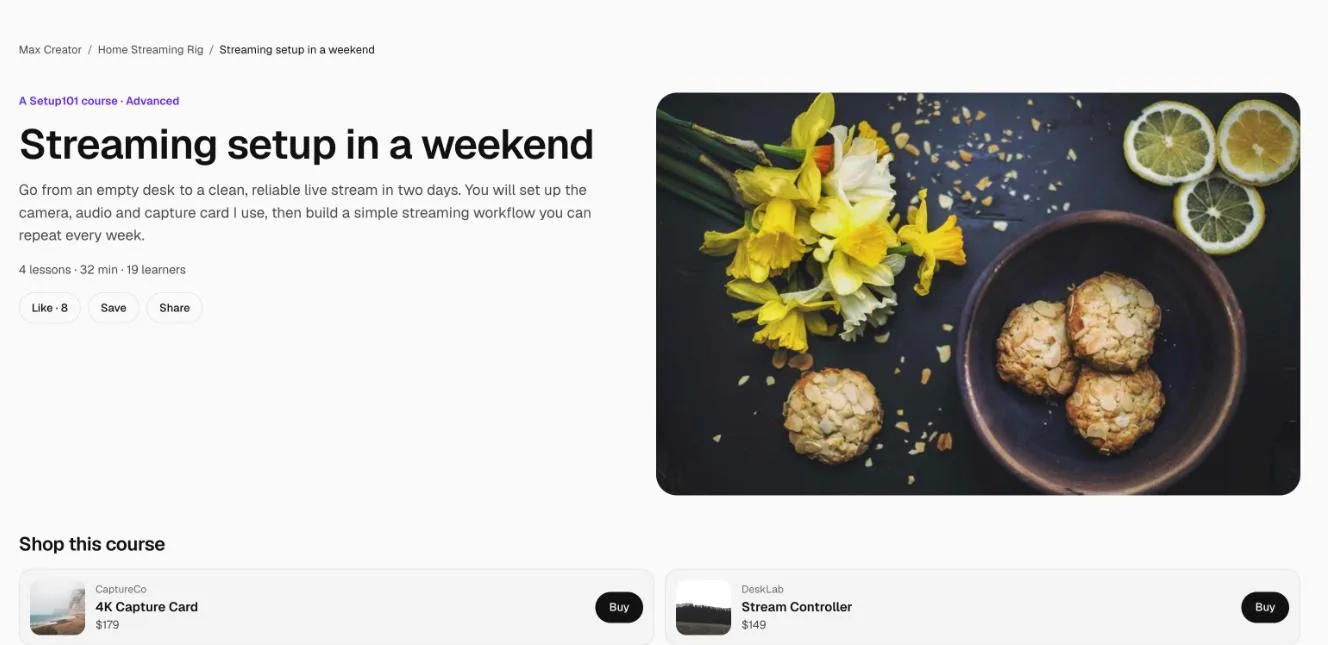
Open the course and click Publish course. It goes live straight away at its own address, setup101.io/course/your-course-name, and shows on the setup and products it's connected to, on your profile and, if you choose, in your link in bio.
A course needs at least one lesson before it can be published.
How to publish a course
- Go to 101 Courses and open the course.
- Check it has at least one lesson. The first lesson works best as a Free preview.
- Click Publish course. The status changes from Draft to Published.
- Click View course ↗ to see it the way learners do.
How do I share it?
Copy the address under the course title (setup101.io/course/…) or use Share on the course page. Put it in video descriptions, pinned comments, posts and messages. When the link is shared, apps show a preview with the course's cover image and title.
The address is set when you create the course and never changes, even if you rename it. If someone else already has a course with the same name, yours gets a number on the end (for example canon-r6-101-2).
Where does a published course show?
- Learn this setup on the setup it's connected to.
- Learn to use it on each product or app it teaches.
- Your profile.
- Your link in bio, if you switch on Show in your link in bio: 1 course on Free, 3 on Pro, 5 on Pro Plus.
How do I take it down?
Click Unpublish. The course is hidden from your setups, products and profile, but anyone already enrolled keeps access. See editing or deleting a course.
FAQ
Why can't I publish my course?
It needs at least one lesson. Paid courses can't be published yet; switch it to free in the Details tab.
Is my course indexed by Google?
Yes. Published course pages are public and listed in Setup101's sitemap. Lesson pages aren't indexed.
Related
More in 101 Courses
- What is a 101 Course on Setup101?
- How do I create a 101 Course?
- How do I add sections and lessons to a 101 Course?
- How do I add product cards to a 101 Course lesson?
- How do I link a course I sell on Teachable or Udemy?
- How do I enrol in and take a 101 Course?
- How do I see who's taking my 101 Course?
- How do I edit, unpublish or delete a 101 Course?
- Which video sites can I use in a 101 Course?
Still stuck? Email support@setup101.co.